Follow these steps to login to the Help Center to view support resources and your Help Desk requests:
1. Go to cdsit.zendesk.com and bookmark this pages for future use.
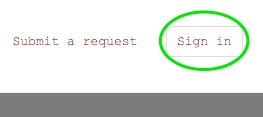
2. Click Sign In at the upper right corner.
3. Click Sign In with Google(g+ button on left side). IMPORTANT: DO NOT ATTEMPT TO SIGN IN USING THE EMAIL & PASSWORD FIELDS(see picture).

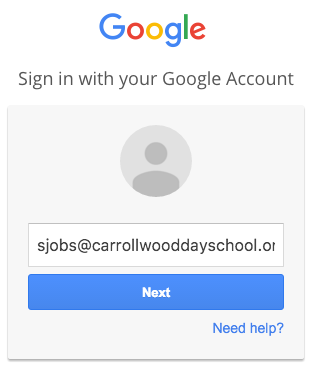
4. Enter your CDS Google username(email address).
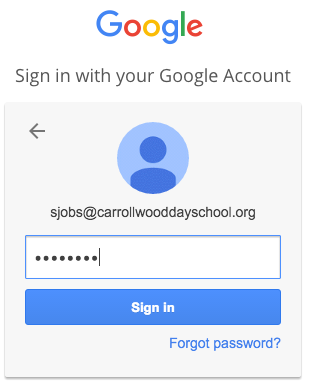
5. Enter your password.
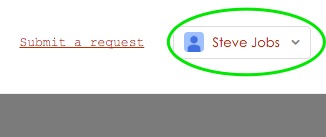
6. You are now signed into the CDS Help Desk. Click Submit a request to get started.
#login
#helpcenter
#helpdesk
Comments
0 comments
Article is closed for comments.